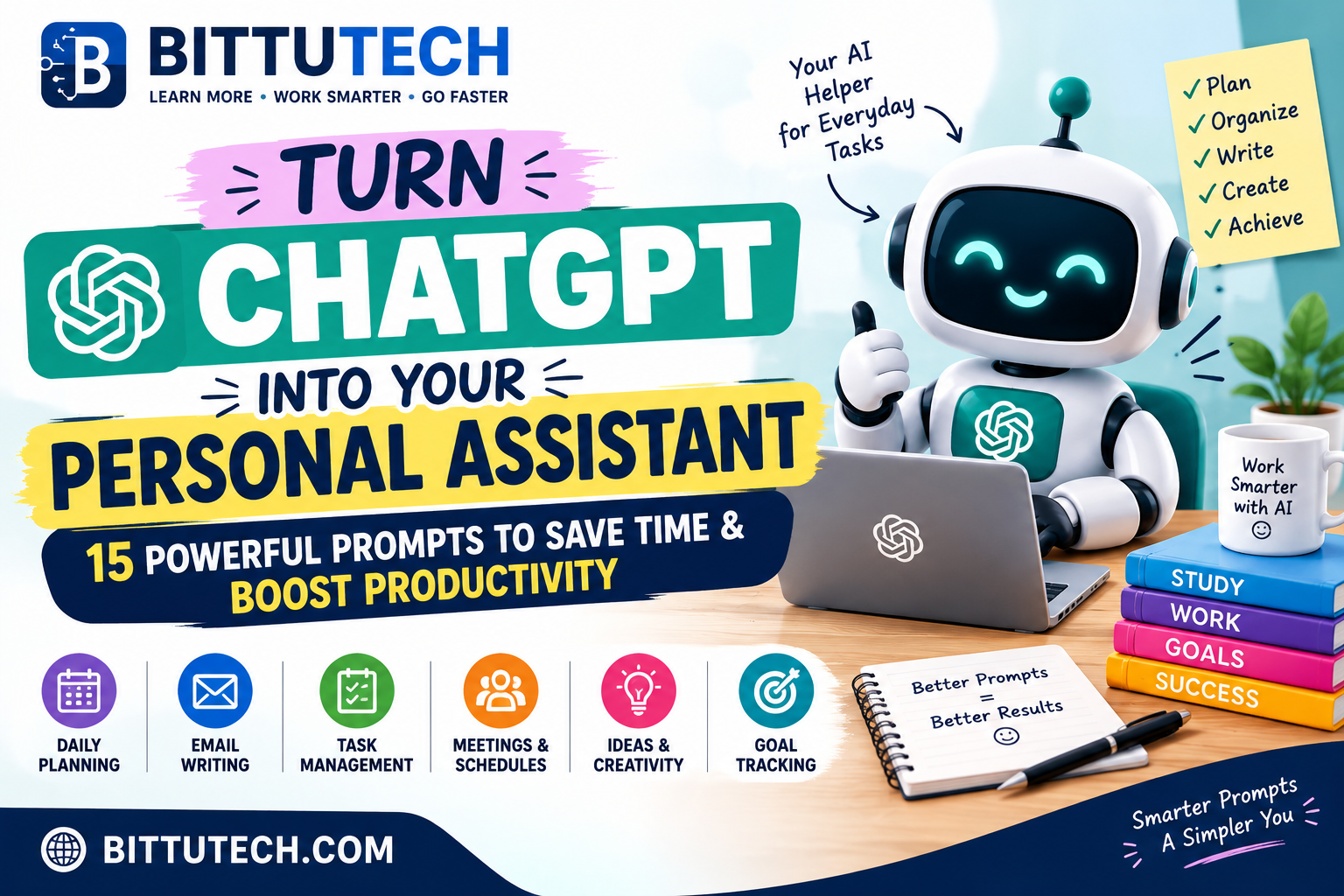
Looking to save time and work smarter? This blog covers the best ChatGPT pro prompts to help you complete tasks faster and boost productivity. From content writing and studying to daily work automation, you’ll find powerful, ready-to-use prompts for every need. Whether you’re a student, professional, or creator, these prompts will transform how you use ChatGPT. Just Directly Copy and Paste these prompts, According to your Use Cases.
Hello visitors!! I’m very very excited to writing this post and I know you all are also excited for reading this post. So yeah! Welcome back Code Warriors! to the best platform of knowledge www.bittutech.com , hope you all are doing well !!. So Here’s everything you need to know 😊👇🏻..
ChatGPT can help you plan your day, write a first draft, understand a topic, or organize information. You do not need to write a long or perfect request. Start with one of the prompts below, replace the words in brackets with your own details, and tell ChatGPT what kind of answer you want.
USE CASE 1: PGet ideas and make a plan
Table of Contents
Use these prompts when you need a fresh idea or a simple plan to get started.
- Think of a name
- Suggest creative names for my tech startup.
- Suggest catchy names for my bakery.
- Plan a course or training session
- Make a beginner-friendly course outline about web development.
- Make a training plan for a customer service workshop.
- Prepare for a job interview
- Give me common interview questions for a software engineer job.
- Give me common interview questions for a marketing manager job.
- Find gift ideas
- Suggest gifts for my clients.
- Suggest unique gifts for my business partners.
- Pick winners for a giveaway
- Choose one winner from this list of 100 names: [paste names]
- Choose five email addresses from this list of 1,000 for a giveaway: [paste list]
USE CASE 2: Get help with coding
You can ask ChatGPT to explain code, help find a problem, or write a small program. Tell it which programming language you are using.
- Find a problem in code
- Explain what is wrong with this code:
var x = 5;
var y = 0;
console.log(x / y);
- Explain what code does
- Explain this code in simple words:
function addNumbers(a, b) {
  return a + b;
}
- Change code to another language
- Change this JavaScript code into Python:
function addNumbers(a, b) {
  return a + b;
}
- Write a program or answer a coding question
- Write a Python program that finds the factorial of a number.
- Show me how to send an HTTP request in JavaScript.
- Make a regular expression
- Write a regular expression that can find email addresses.
- Write a regular expression for an eight-digit password.
- Add comments to code
- Add comments to explain this code:
function addNumbers(a, b) {
  return a + b;
}
- Change CSS or HTML
- Change this text to blue using CSS:
<p class="example">Hello, QuickRef.ME!</p>
- Add the class “header” to this heading:
<h1>Hello, QuickRef.ME!</h1>
USE CASE 3: Write and improve emails
ChatGPT can help you write a new email, fix spelling, or draft a reply. These prompts help with both personal messages and work emails.
- Write an email or email series
- Write an email inviting Jack to dinner this weekend.
- Write a series of welcome emails for new customers.
- Check and improve an email
- Check the spelling and format of this email:
- Get email marketing ideas
- Give me tips to get more people to open and click my emails.
- Suggest ways to make my emails more interesting and useful to my subscribers.
- Write a quick reply
- Write a reply that says, “That’s a good suggestion. It’s coming soon,” to this message:
- Find email addresses in text.
USE CASE 4: Work with spreadsheets
You can ask ChatGPT to help with formulas, sample data, or simple spreadsheet tasks. Tell it which spreadsheet app you use when that matters.
- Write a formula to add the numbers in cells A1 to A10.
- Explain this formula in simple words: =SUM(A1:A10)
- Make sample data I can use as placeholders in my spreadsheet.
- Write a macro that finds the average of cells B1 to B10 and puts the answer in C1. I use [Excel or another app].
- Give me tips to make my spreadsheet easier and faster to use.
USE CASE 5: Make social media posts
Ask for ideas that fit your topic and audience. You can also tell ChatGPT which social platform you plan to use.
- Give me funny meme ideas about dogs.
- Give me ideas for a social media post about climate change that could interest my followers.
- Write a caption and suggest hashtags for a photo of a sunset.
- Suggest a polite reply to this message asking about a project update: [paste message].
USE CASE 6: Read, translate, and find books
These prompts can help you understand or work with text.
- Summarize this article in simple words: [paste article]
- Translate this sentence into Spanish: [paste sentence]
- Recommend books like The Hunger Games.
USE CASE 7: Get design ideas
Use these prompts when you need ideas for a logo, video thumbnail, fonts, or colors.
- Help me write a design prompt for a logo for a new sports brand.
- Suggest eye-catching thumbnail ideas for my YouTube video about healthy eating.
- Suggest a font pairing for the title of my travel blog.
- Suggest a color palette for a wedding photography website.
USE CASE 8: Find and organize information
ChatGPT can pull details out of text, put information into a table, or sort a list based on your rules.
- Find all the numbers in this text: [paste text]
- Put this information into a table: [paste information]
- Filter this list using these rules: [write rules and paste list]
USE CASE 9: Create paid ad ideas
Tell ChatGPT what you are selling, who you want to reach, and where the ad will appear.
- Give me ad ideas for launching a new product.
- Check this tag manager code for errors: [paste code]
- Write ad copy for a travel company.
- Suggest a Facebook audience for an ad campaign for a clothing brand.
- Write headlines, main text, and calls to action for an ad for a new fitness program.
USE CASE 10: Help with an Amazon FBA business
These prompts can help with product writing and organizing business information.
- Write a clear and interesting product description for this item: [describe item]
- Help me rewrite this appeal letter so it is clear and convincing: [paste letter]
- Write an email to introduce my business to possible suppliers.
- Suggest products that could be sold together as a bundle for my customers.
- Organize this product and pricing information into a clear spreadsheet: [paste information]
USE CASE 11: Write and improve blog posts
ChatGPT can help at different stages of writing, from finding an idea to checking a finished draft.
- Suggest titles for my short-story collection: [describe the stories]
- Make an outline for an essay about exercise.
- Suggest blog ideas about sustainable fashion.
- Summarize this article about renewable energy: [paste article]
- Write a blog post about financial planning for [describe your readers].
- Make this sentence about jazz music longer and clearer: [paste sentence]
- Change this report to a friendly, conversational tone: [paste report]
- Check this article for spelling, grammar, and clarity: [paste article]
- Add clear headings to this blog post: [paste post]
- Check this article for unfair or one-sided language: [paste article]
- Suggest domain names for my gardening blog.
USE CASE 12: Make teaching materials
Teachers and course creators can use ChatGPT to prepare quizzes, assignments, student groups, or feedback.
- Turn these world history facts into a multiple-choice quiz: [paste facts]
- Suggest history assignment ideas about the American Revolution.
- Divide these 30 students into groups of six: [paste names]
- Help me make a grading curve using these test scores: [paste scores]
- Give feedback on this history essay and suggest ways to improve it: [paste essay and grading rules]
- Check all questions, scores, and feedback before sharing them with students.
USE CASE 13: Plan YouTube videos
Use these prompts to prepare videos, turn video material into other content, or reply to viewers.
- Add timestamps to this podcast transcript: [paste transcript]
- Turn this cooking video into a blog post with headings and bullet points: [paste video link or transcript]
- Make an outline for a video about the benefits of meditation.
- Write a thoughtful and polite reply to this negative comment: [paste comment]
- Suggest thumbnail ideas for a DIY home décor video.
- Tell me the tone of this video script about environmental issues: [paste script]
- Suggest episode ideas for a series of fashion videos.
USE CASE 14: Learn about a topic
Try prompts like these:
- Explain quantum computing in simple words.
- Suggest creative birthday ideas for a 10-year-old.
- Show me how to make an HTTP request in JavaScript.
- Tell me about the events that led to the American Civil War.
- Explain how the printing press was invented.
- Tell me about the history of the Olympic Games.
- Give me information about the French Revolution.
- Help me learn about the Machine Learning.
USE CASE 15: Use prompts for SEO
SEO means making a website easier to find through search engines. Replace [topic] with your subject. Add your location or audience when needed.
- Find keywords [Paste Title].
- Suggest related keywords for [topic].
- Find long-tail keywords for content about [topic].
- Find popular keywords for [topic].
- Suggest related search terms for [topic].
- Find keywords with low competition for [topic].
- Suggest other words people use for [topic].
- Find keywords for paid ads about [topic].
- Find keywords for voice searches about [topic].
- Find keywords that could help my page appear in featured snippets for [topic].
- Find keywords for videos about [topic].
- Suggest the best keywords for [topic].
- Find keywords for AMP pages about [topic].
- Find keywords for social media posts about [topic].
- Plan pages and content
- Write a meta description and title tag for a page about [topic].
- Find pages on my website that could link to my page about [topic].
- Suggest blog post ideas about [topic].
- List useful words and phrases used in the [topic] industry.
- Show me an example XML sitemap for a website about [topic].
- Suggest meta tags for a page about [topic].
- Suggest a clear internal-linking plan for a website about [topic].
- List questions people ask about [topic].
- Suggest alt text for images about [topic].
- List related subtopics for [topic].
- Suggest a good time to publish content about [topic].
- Suggest popular content ideas related to [topic].
- Show examples of canonical tags for [topic].
- Suggest headings for a page about [topic].
- Find ways to reach more people
- Suggest trusted websites to contact about backlinks for [topic].
- Suggest ways to link to useful outside websites in content about [topic].
- List link-building ideas for [topic].
- Suggest good anchor text for links about [topic].
- Suggest guest-blogging websites for [topic].
- List influencers who cover [topic].
- Suggest possible partners for [topic].
- Suggest affiliate marketing ideas for [topic].
- What are good affiliate marketing websites for [topic]?
- Suggest podcasts about [topic] that I could join as a guest.
- Suggest video series or webinar ideas about [topic].
- Suggest popular hashtags for [topic].
- Improve website performance and reach
- Suggest popular SEO tools for [topic].
- Suggest schema markup for a website about [topic].
- Suggest local SEO ideas for [topic].
- Suggest tools to check website performance for [topic].
- Suggest ways to make a website about [topic] work better on phones.
- Suggest ways to improve an online store about [topic]. Group the keywords into related sets.
- Suggest international SEO ideas for [topic].
- Suggest ways to improve a Google Business Profile for [topic].
- List keywords for [topic] in these locations: [add locations].
- Suggest keywords for people at different stages of buying [product or service].
- Review these competitors’ strategies for [topic]: [add details or links].
- Give me useful SEO steps for [topic].
Final Words
ChatGPT can be much more than just a tool for asking questions. With the right prompts, it can help you plan your day, write emails, manage tasks, learn new skills, and save time on everyday work. The best part is that you don’t need to be a tech expert to get started.
Try a few of these prompts, adjust them according to your needs, and see what works best for you. Remember, the more clearly you explain what you want, the more useful ChatGPT can be.
Start small, experiment with different prompts, and make ChatGPT a part of your daily routine. You might be surprised by how much easier some of your everyday tasks become!
Which ChatGPT prompt are you going to try first? Share your thoughts in the comments, and keep visiting BittuTech.com for more practical AI tips, useful tools, and technology guides.